Can teachers start with the Free plan?
Yes. The Free plan can be used to try basic microsite features. Quotas and advanced features depend on the selected plan.

Organize presentation links, learning videos, readings, and assignments on one page. Update the content without replacing the URL already shared with students.
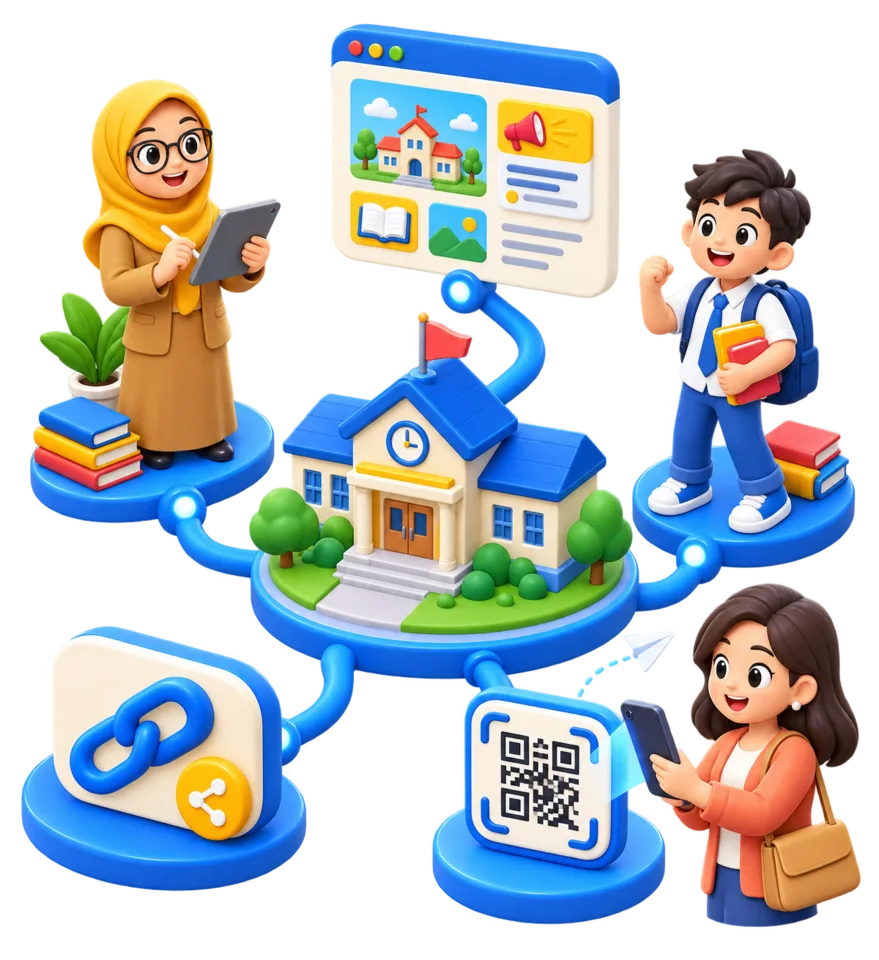
One resource page
Stable URL when content changes
Accessible in a browser
Quotas follow your plan
Resources organized on one page
Update content without changing the URL
Accessible from phones and computers
File permissions remain with the storage provider
Subject resource page
Assignments and deadlines
Learning video collection
Reading and reference list
Yes. The Free plan can be used to try basic microsite features. Quotas and advanced features depend on the selected plan.
You can add links to files or videos from supported services. Make sure permissions on the source service are appropriate for your students.
Component counts and quotas depend on your s.id plan. Check the Subscription page before organizing a large collection.
Continue with a guide that best matches your next task.
Shortener
Shorten Google Form, quiz, or CBT URLs so students can type and open them more easily during exams or assignment submission.
Read GuideQR Code
Create a QR Code that directs students, teachers, or participants to an online attendance form without typing a long URL.
Read GuideMicrosite
Follow the steps to create a no-code microsite for coursework, presentations, or a student portfolio using s.id.
Read GuideTry the Free plan to create your first page or link. Quotas and advanced features depend on the plan you choose.
Sign Up and Try Free