
Visual Component Editor
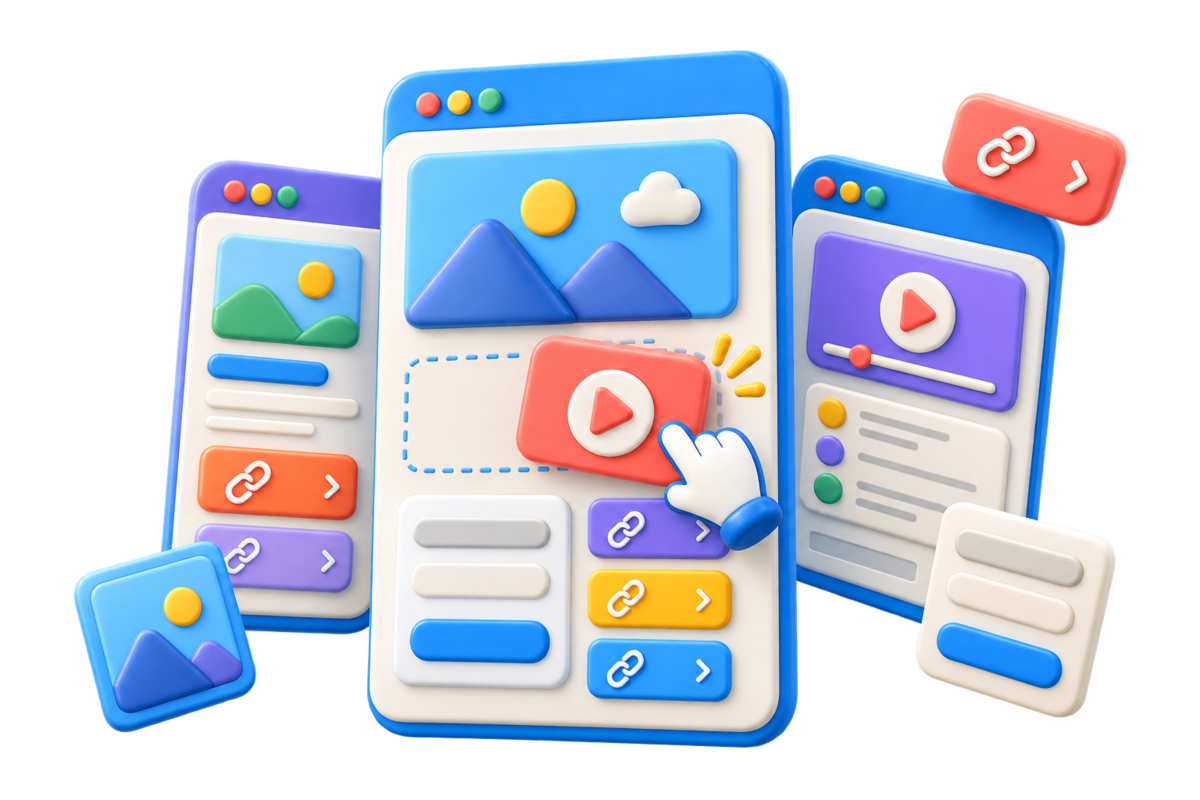
Add, remove, and reorder page components without writing code.
Don't miss the train
Create a branded microsite for a launch, event, portfolio, or resource hub—then share it with an s.id link and QR code and learn from the traffic.
A lighter way to publish
A microsite is a focused web page built around one audience, campaign, or action. It gives visitors the essential story and a clear next step without the navigation and upkeep of a full website.
With s.id, the same page can work as a campaign hub, launch page, portfolio, event guide, or link-in-bio—and connect naturally with short links, QR codes, and analytics.
Start with the format that matches what visitors need to do. Every option uses the same flexible s.id Microsite builder, with a focused starting point for each goal.
Best for campaigns, launches, portfolios, and resource hubs
Build a flexible standalone page with the mix of links, media, and forms your audience needs.
Best for turning social-profile visits into action
Give followers one focused page for your latest content, store, contact channels, and other profiles.
Explore Bio LinkBest for networking, contact sharing, and follow-up
Present your professional details in one page people can open by link or QR code and save as a contact.
Explore Digital Business Card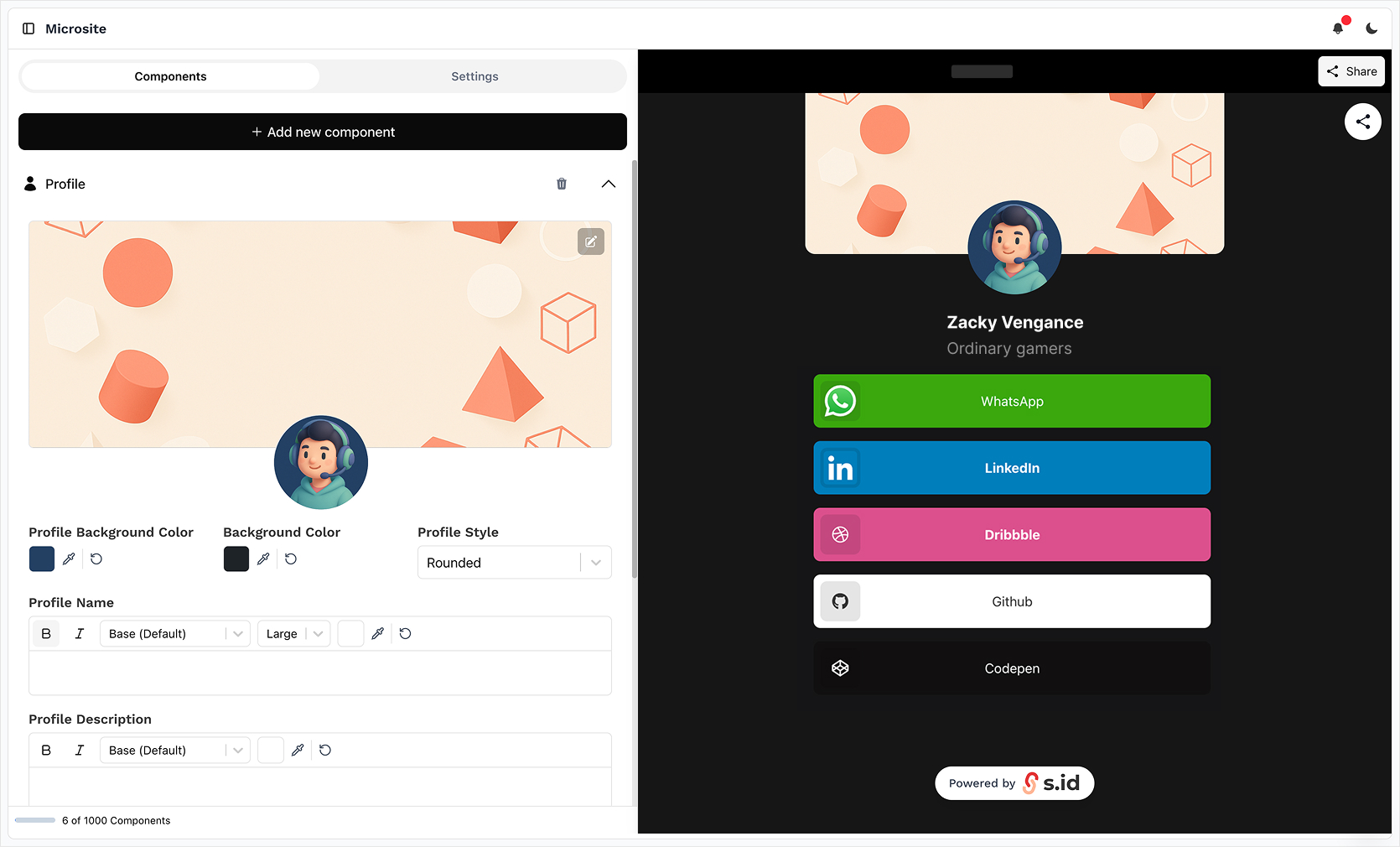
See the product
Add and reorder components in the editor while viewing the page visitors will see. Keep the experience focused, branded, and ready for mobile screens.
How it works
Start with a template or a blank page, shape the content, then publish one URL for every channel.
Select a template or begin with a blank microsite for full control of the structure.
Build with components, adjust the visual style, and check the live preview as you work.
Share the s.id URL directly or use its QR code across digital and offline touchpoints.
Verified capabilities
Use the tools that matter for publishing and measuring a clear, single-purpose page.
Add, remove, and reorder page components without writing code.
Start from an available template and adapt the colors, typography, and content to your brand.
Create an experience designed to work across phones, tablets, and desktop screens.
Publish on an s.id address, with custom-domain options available on eligible paid plans.
Measure visits and use supported analytics or pixel options when included in your plan.
Combine links, text, images, embedded media, maps, social actions, and countdowns.
Built for real work
Give each campaign or audience a concise destination instead of sending them through a crowded website.
Bring the message, launch assets, key links, and primary call to action into one focused page.
Explore campaign pagesShare schedules, speaker details, locations, updates, and external registration links from one URL.
Explore mini websitesPresent selected work, credentials, contact routes, and social profiles in a polished format.
Explore portfoliosOrganize demos, documentation, onboarding links, and support resources for a specific audience.
Explore link-in-bio pagesStart free, expand when needed
The free plan covers a practical starting point. Paid plans add higher limits and eligible capabilities such as custom domains and advanced measurement options.
Compare PlansIncluded in the free plan
A concrete starting point for your first focused pages.
Straight answers about building, publishing, and upgrading an s.id microsite.
Yes. The current free plan lets you create up to 3 microsites with up to 50 components per microsite. Plan limits can change, so review the subscription page for the latest details.
Find a focused starting point for the page you need to publish.
Build a free microsite or one-page website in minutes. Drag-and-drop editor, no coding needed. Comes with URL shortener, QR code, and free hosting.
Learn MoreUse caseBuild beautiful microsites for free with s.id. No coding required. Perfect for portfolios, events, product launches, and promotional campaigns.
Learn MoreUse caseCreate a professional resume website for free. Showcase your work, skills, and experience with a digital CV that helps you stand out.
Learn MoreUse caseBuild your personal website in minutes. Showcase your portfolio, resume, blog, and social links. Perfect for job seekers, freelancers, and creators.
Learn MoreUse caseCreate a professional portfolio website in minutes. Showcase your work, projects, and skills. No coding required.
Learn MoreUse caseCreate a free mini website for your Instagram or TikTok bio. Add links, images, videos, and products. More powerful than link-in-bio, ready in minutes.
Learn MoreBuild the page, publish the s.id link, and give every channel a consistent place to send visitors.
Create Your MicrositeFree plan available • No credit card required