
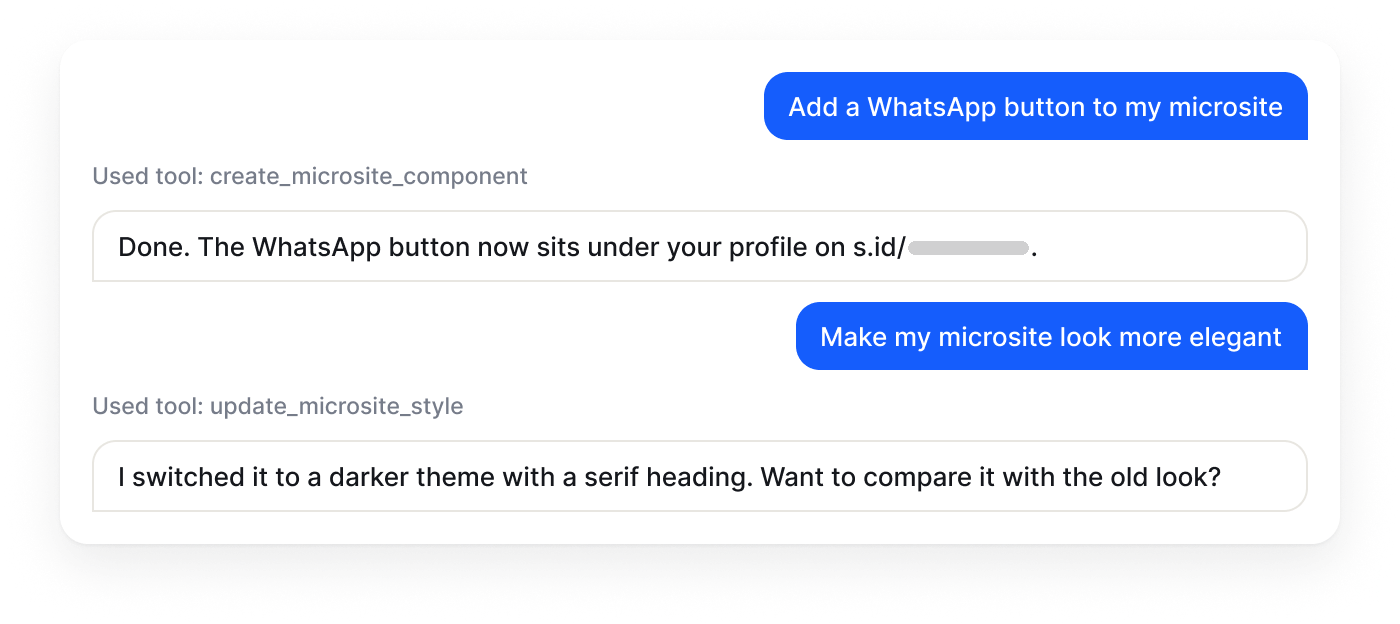
Ask for it, then ask for changes
Shorten a URL, add a WhatsApp button to a microsite, or restyle a page. You can see each tool it uses.
AI Assistant
 does it in s.id.
AgentS is the chat assistant in your s.id dashboard. Ask it to create a link, build a microsite, or check your numbers, and it does the work in your account.

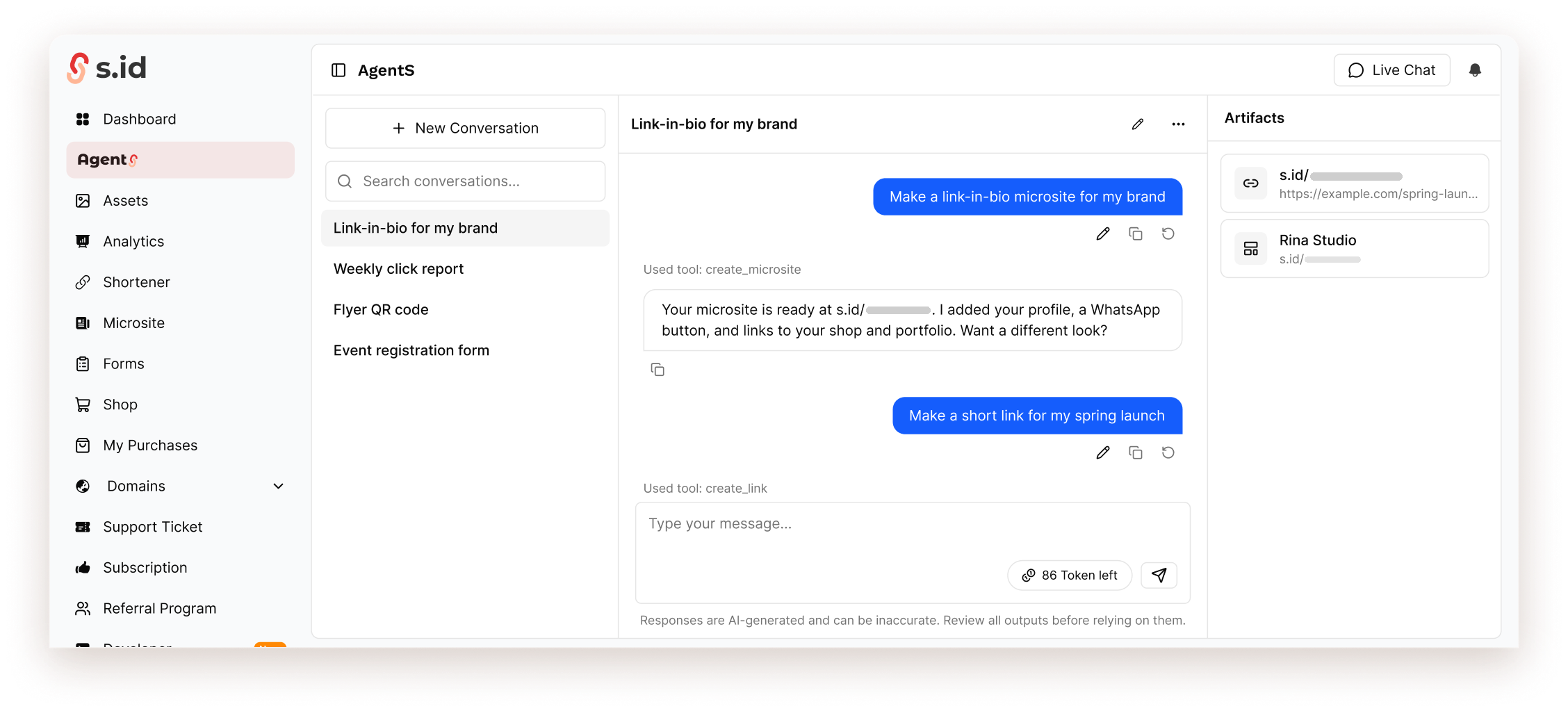
AgentS is an AI assistant built into the s.id dashboard. You write what you want in plain language, and it uses the same tools as your account: links, QR codes, microsites, forms, images, and analytics.
The chat shows which tool it used for each step. What it creates appears in the Artifacts panel, ready to open and edit.
Responses are AI-generated and can be inaccurate. Review all outputs before relying on them.
Ask from any dashboard page. AgentS suggests prompts for the page you are on.
Shorten a URL, add a WhatsApp button to a microsite, or restyle a page. You can see each tool it uses.
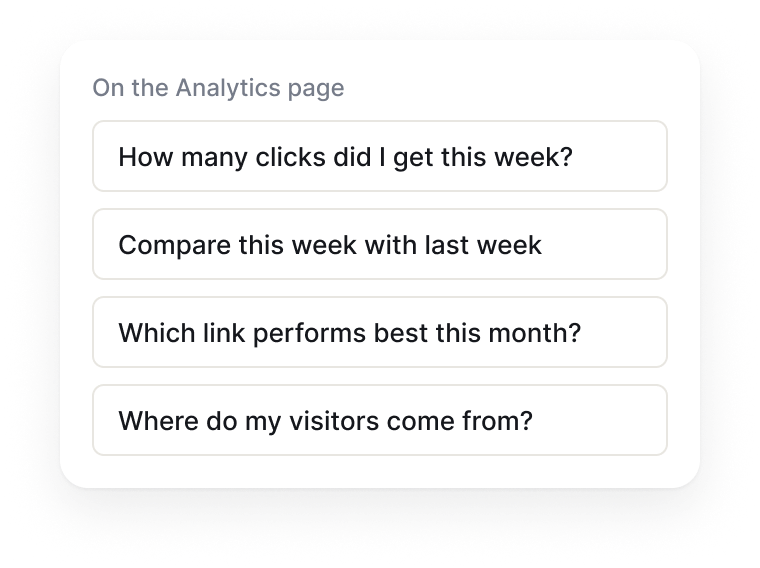
On Analytics it suggests click questions. In a form, it offers to add a question or publish.
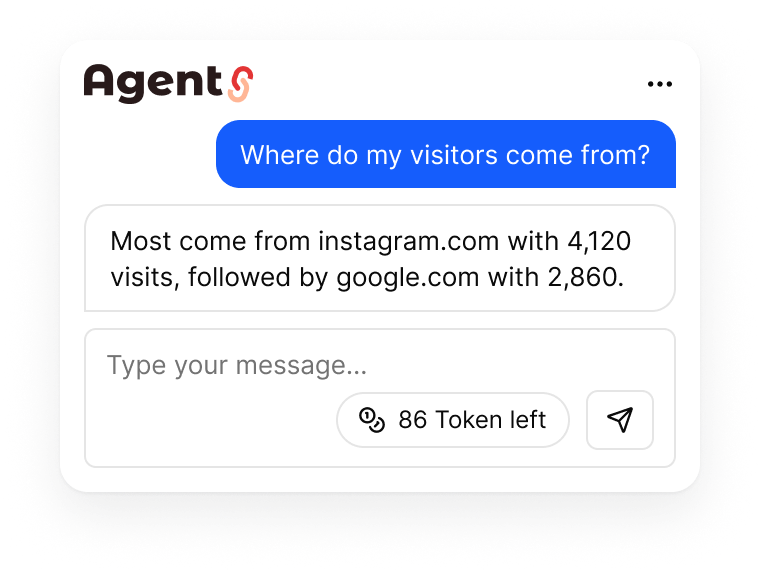
Clicks this week, your top link, or where visitors come from, answered in the chat.
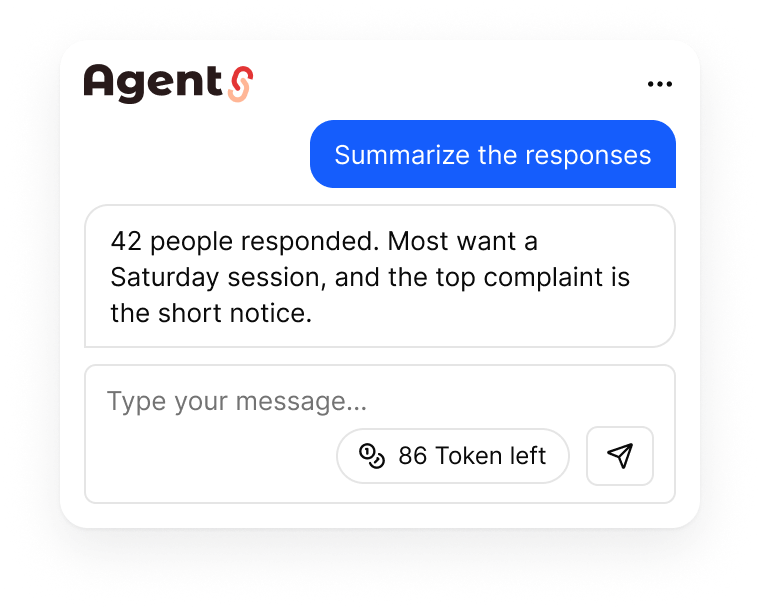
Create a registration form, publish it, then ask for a summary of the responses.
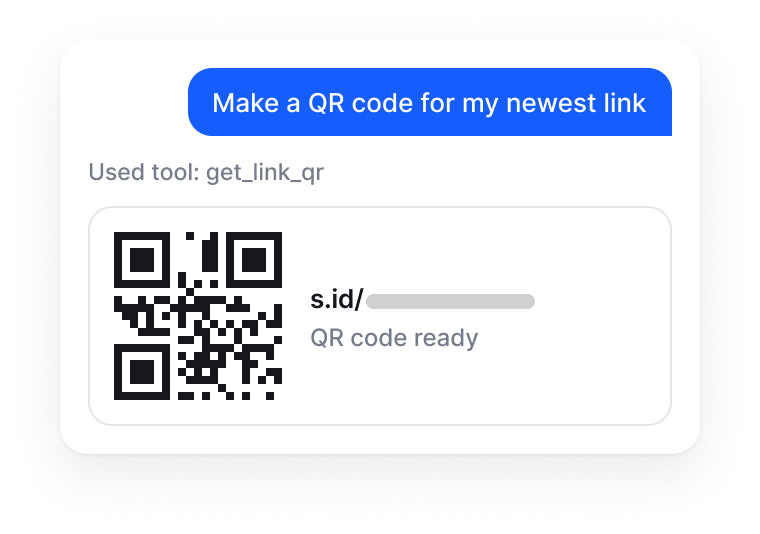
Ask for a code for a new or existing link, then download it for print.
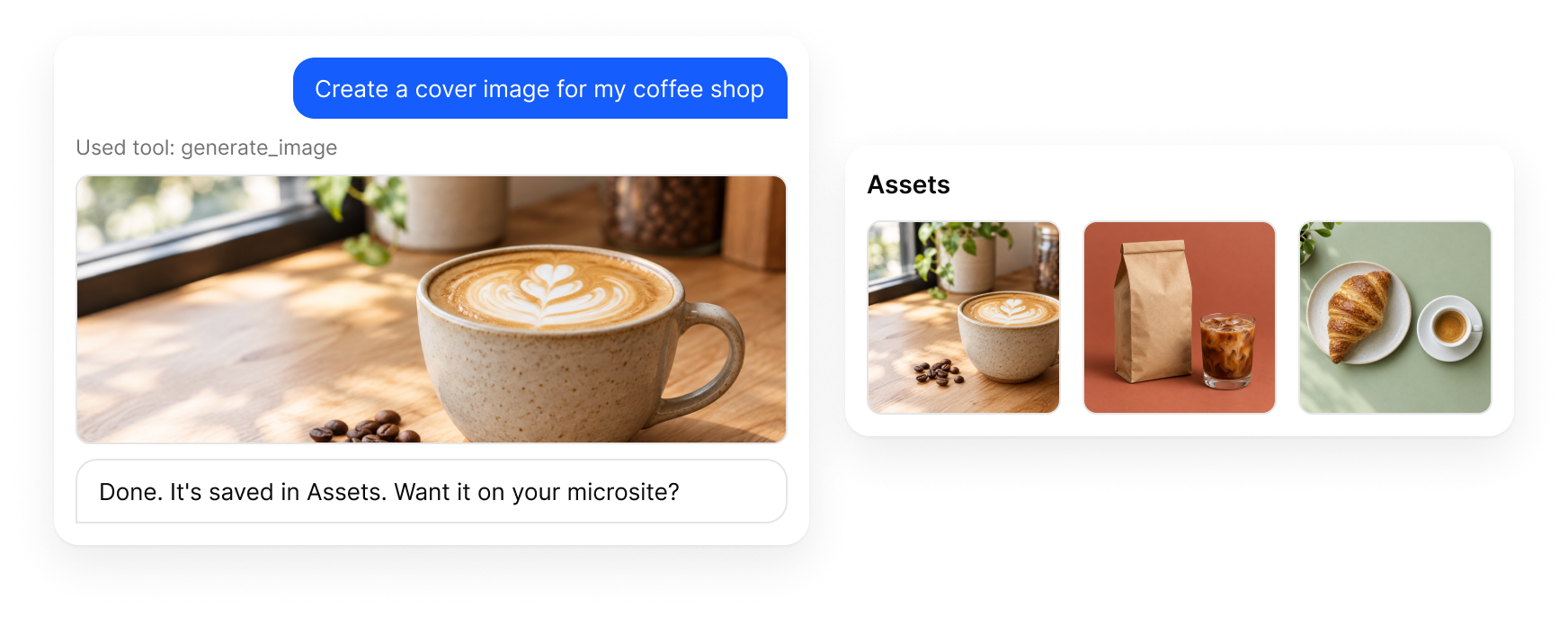
Describe the image you need. AgentS saves it to Assets and can place it on your microsite. Available on paid plans.
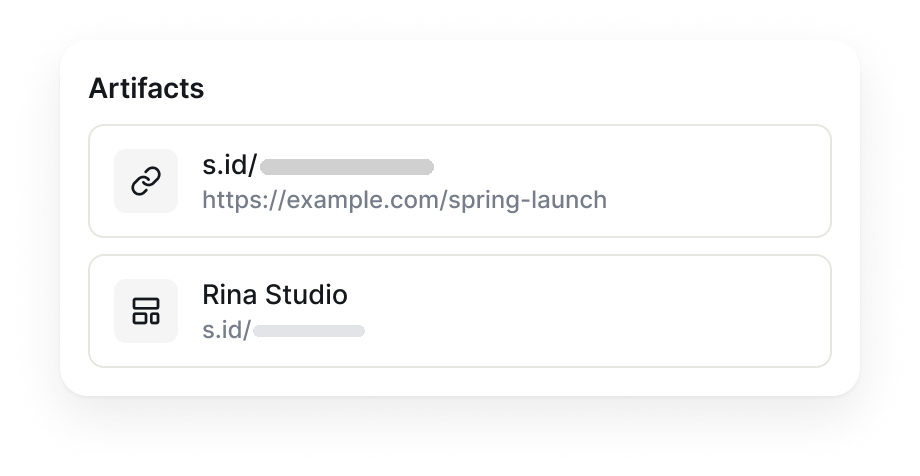
Microsites, forms, and links from the conversation stay in Artifacts, one click from their editor.
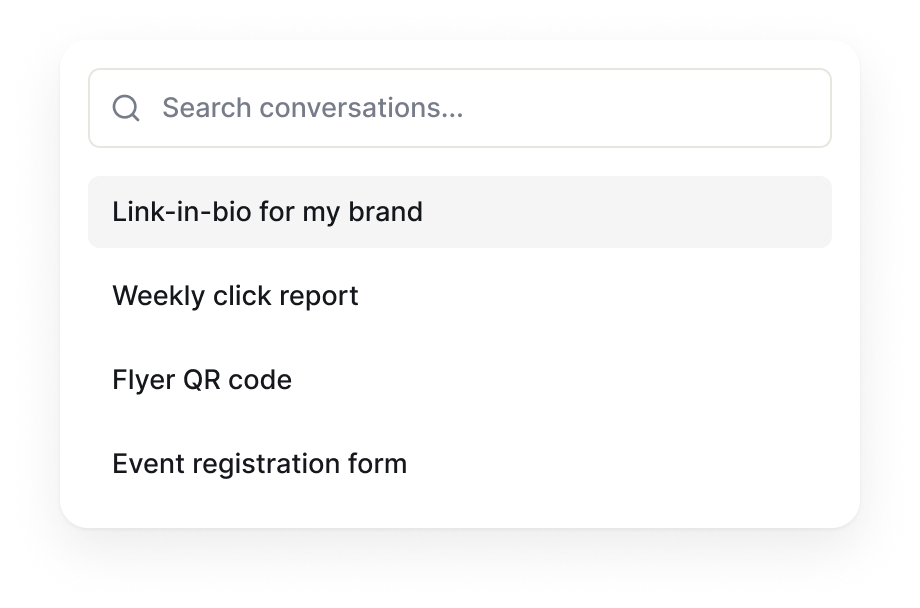
Your conversations stay in a list you can search, rename, or delete.
No setup. AgentS already works with your account.
Find it in the dashboard menu, or use the Agent button in the top bar of other pages.
Write it in your own words, or tap one of the suggested prompts.
Open the result from Artifacts, then ask for any changes.
One Token pool for the AI assistant: chat, images, and actions. You can top up Credits if you run out.
$0
No time limit
$10
$120 a year
$24.17
$290 a year
$82.50
$990 a year
Prices are shown in USD. If your payment method uses another currency, your provider may apply its own conversion rate and fees.
Still stuck? Talk to the team at helpdesk@s.id.
The Free plan includes AI Tokens. Responses can be inaccurate, so review the results.